10 sections · 4 groups
Library
Every section in one place. Pick one, open it, copy its prompt into Claude Code — one at a time.
1.1 · Project Showcases
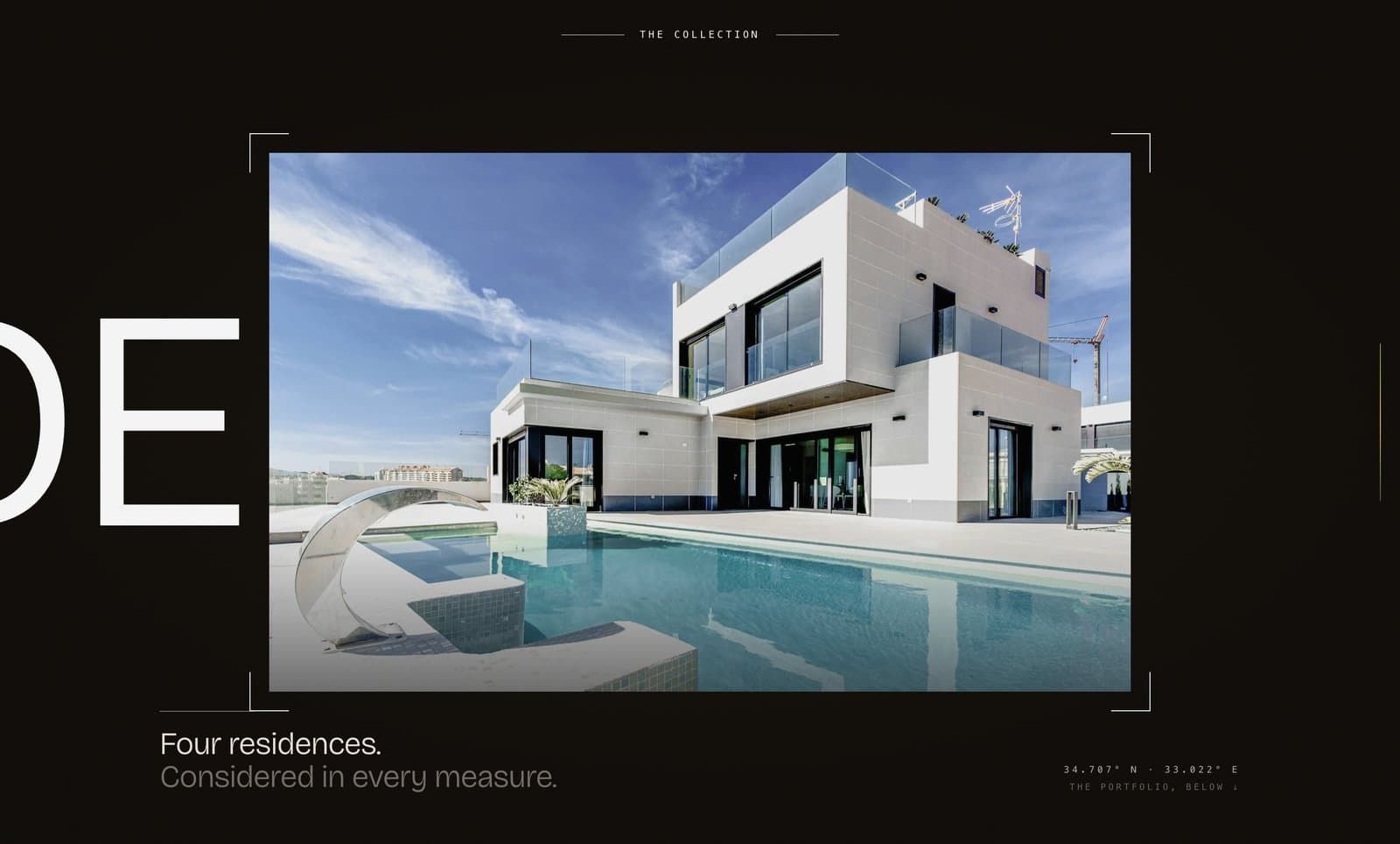
Aperture Reveal
A full-screen moment where one signature image opens up from a thin slit to fill the screen — like a camera aperture opening — while giant ghost words drift behind it. The section pins in place while the visitor's scroll drives the reveal.
1.2 · Project Showcases
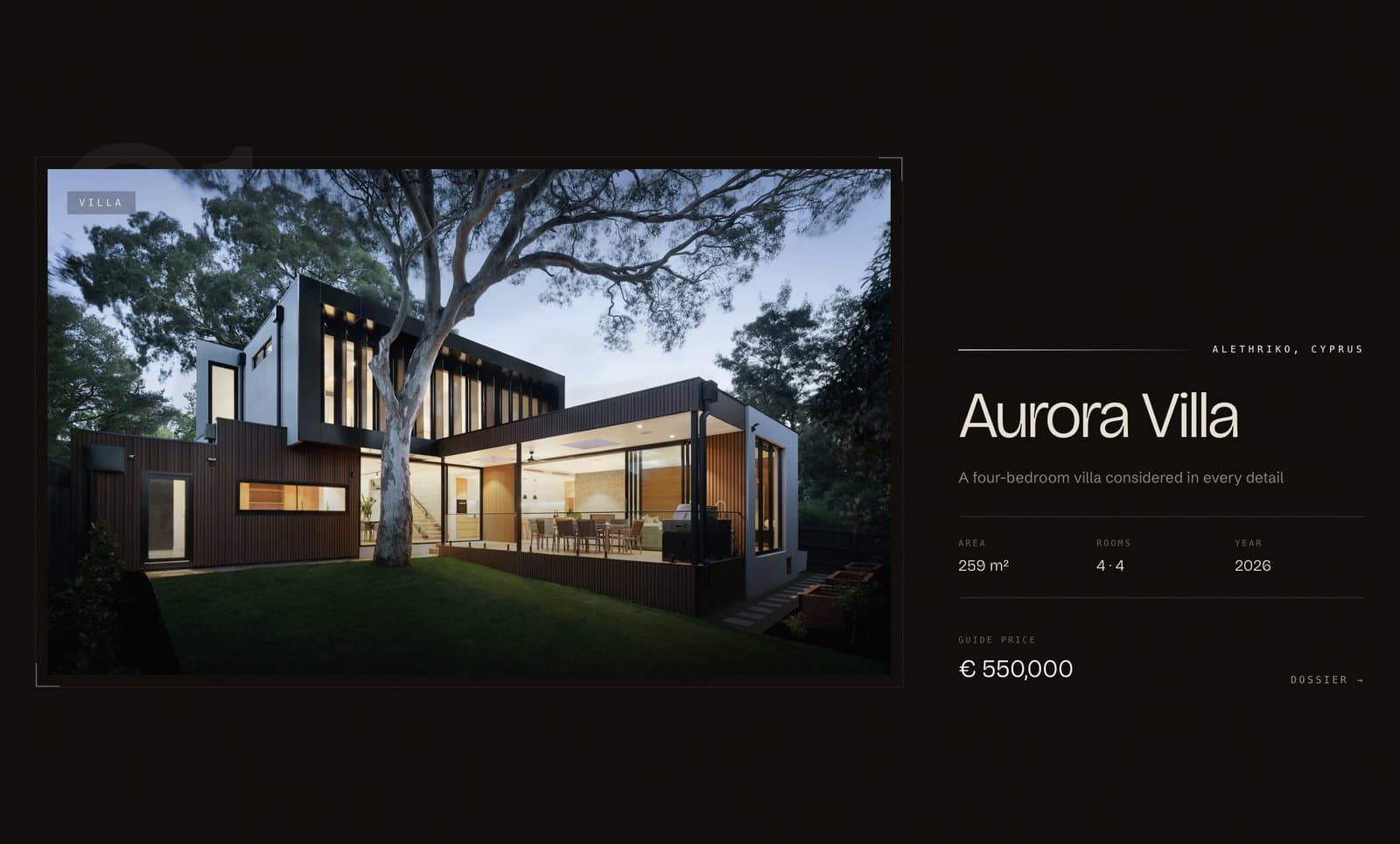
Stacking Cards
A scroll-pinned showcase where full-screen project cards slide up and stack on top of each other, one per scroll. Each card has a big image, a title, three metrics (like area / rooms / year), a price, and a link.
1.3 · Project Showcases
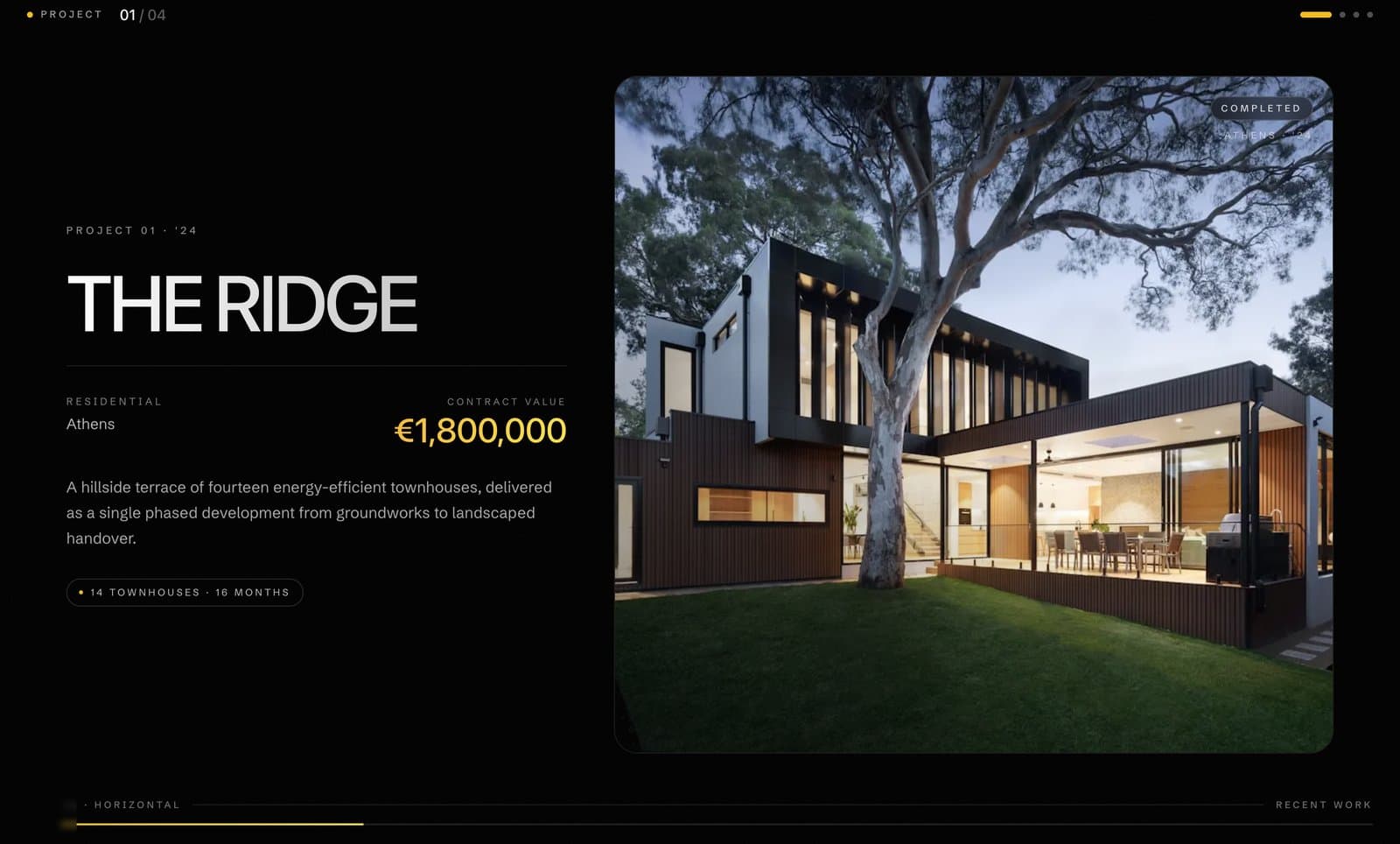
Horizontal Projects Showcase
The page turns sideways: a full-screen horizontal gallery where each project takes the whole viewport, with a live counter (“02 / 04”), clickable dots, and a progress bar. Above it sits a stats strip with your headline numbers.
1.4 · Project Showcases
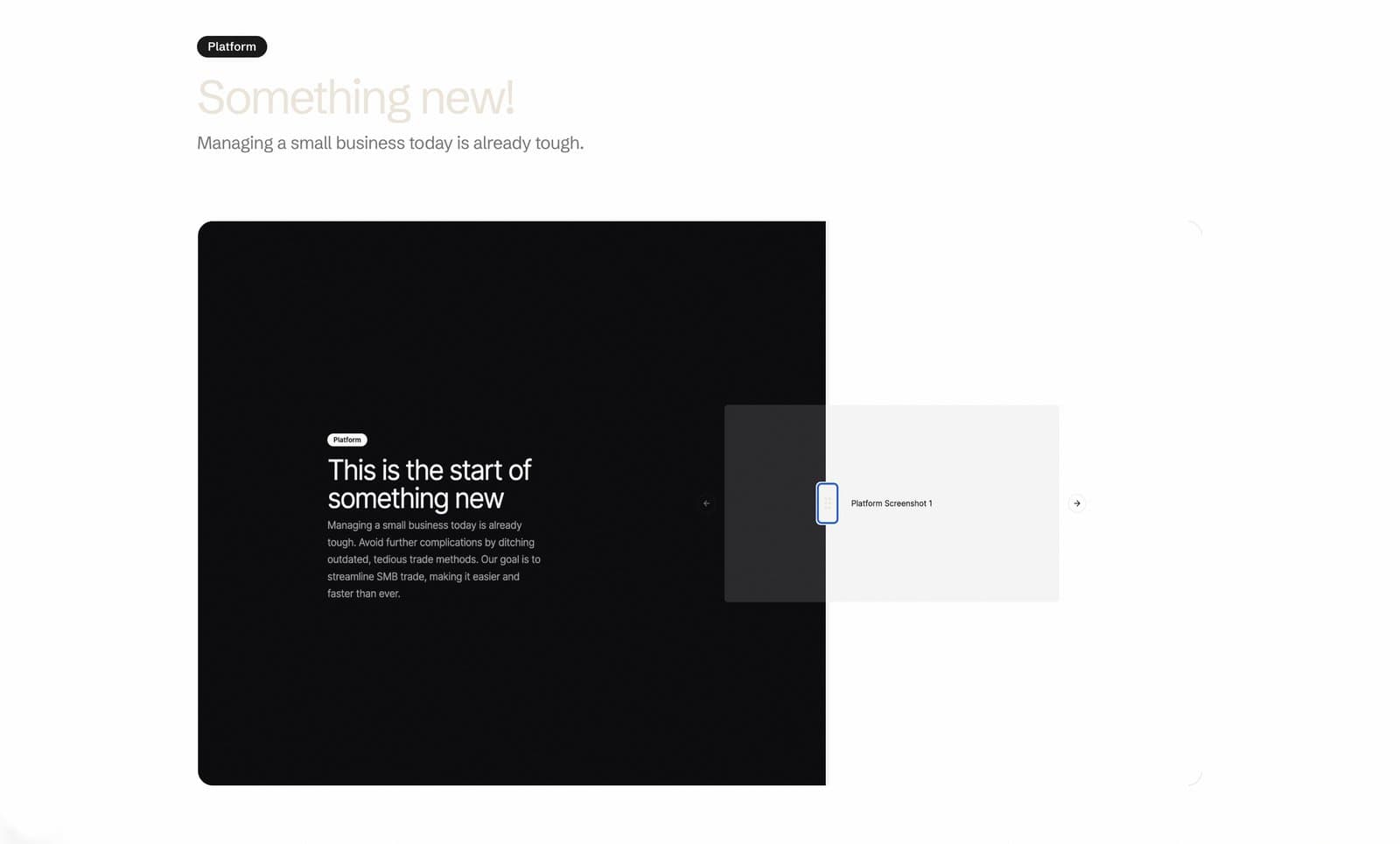
Before / After Comparison Slider
Two images stacked on top of each other with a draggable handle in the middle — visitors drag left and right to reveal the “before” and “after.” Simple, interactive, and weirdly addictive.
2.1 · Services & Process
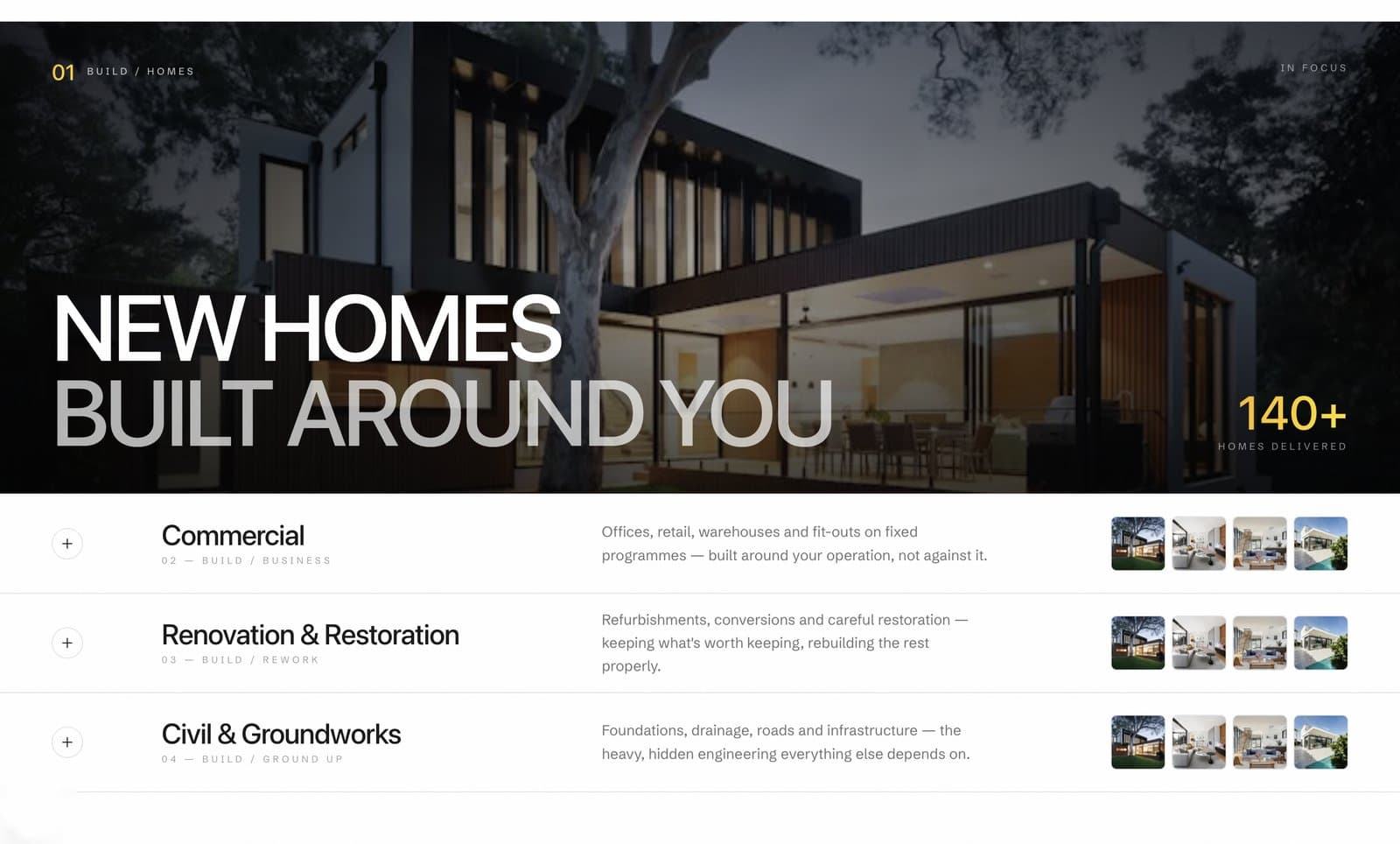
Services Accordion
Your services listed as elegant rows. Click one and it expands into a full-width panel with a hero image, a giant headline, and a key stat — while the others collapse. One service is always “in focus.”
2.2 · Services & Process
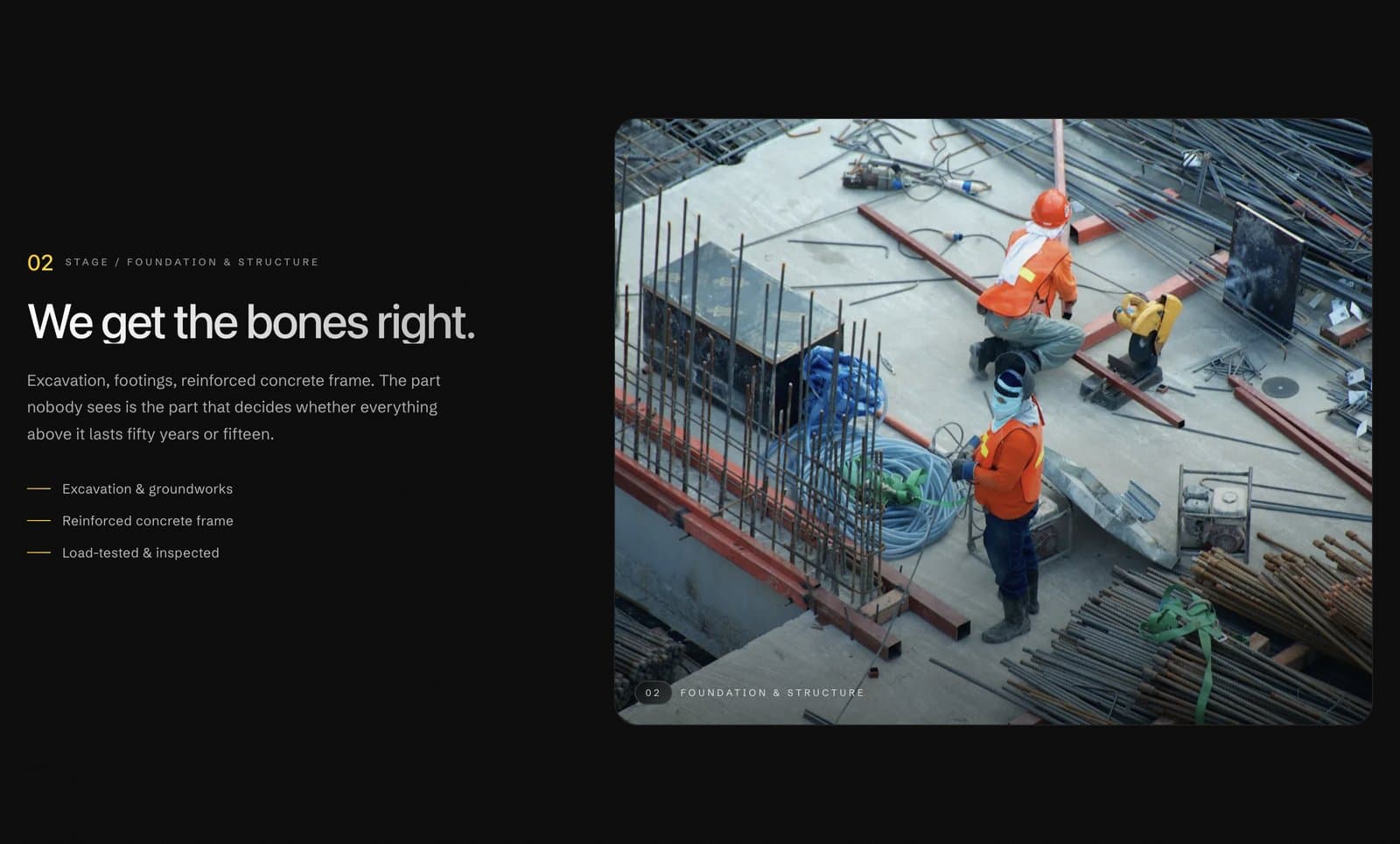
Process Steps
A “how we work” walkthrough where the step descriptions scroll on one side while the matching image sticks and swaps on the other. As the visitor scrolls through step 01 → 04, the visuals follow along automatically.
3.1 · Testimonials & Numbers
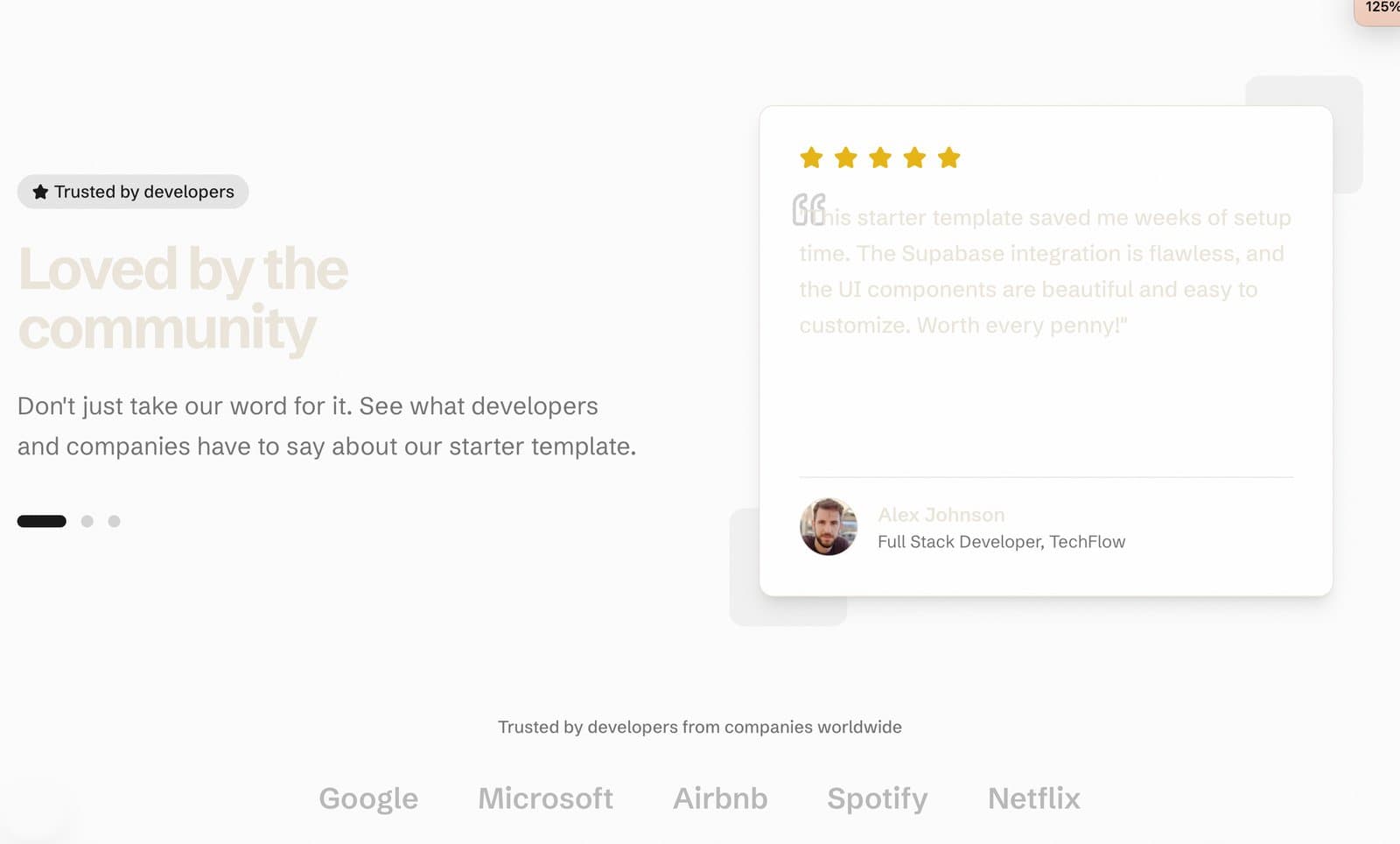
Animated Testimonials
A rotating testimonial showcase — quote cards with star ratings, client photos, names, and roles that auto-cycle with smooth slide animations, plus an optional “trusted by” logo row underneath.
3.2 · Testimonials & Numbers
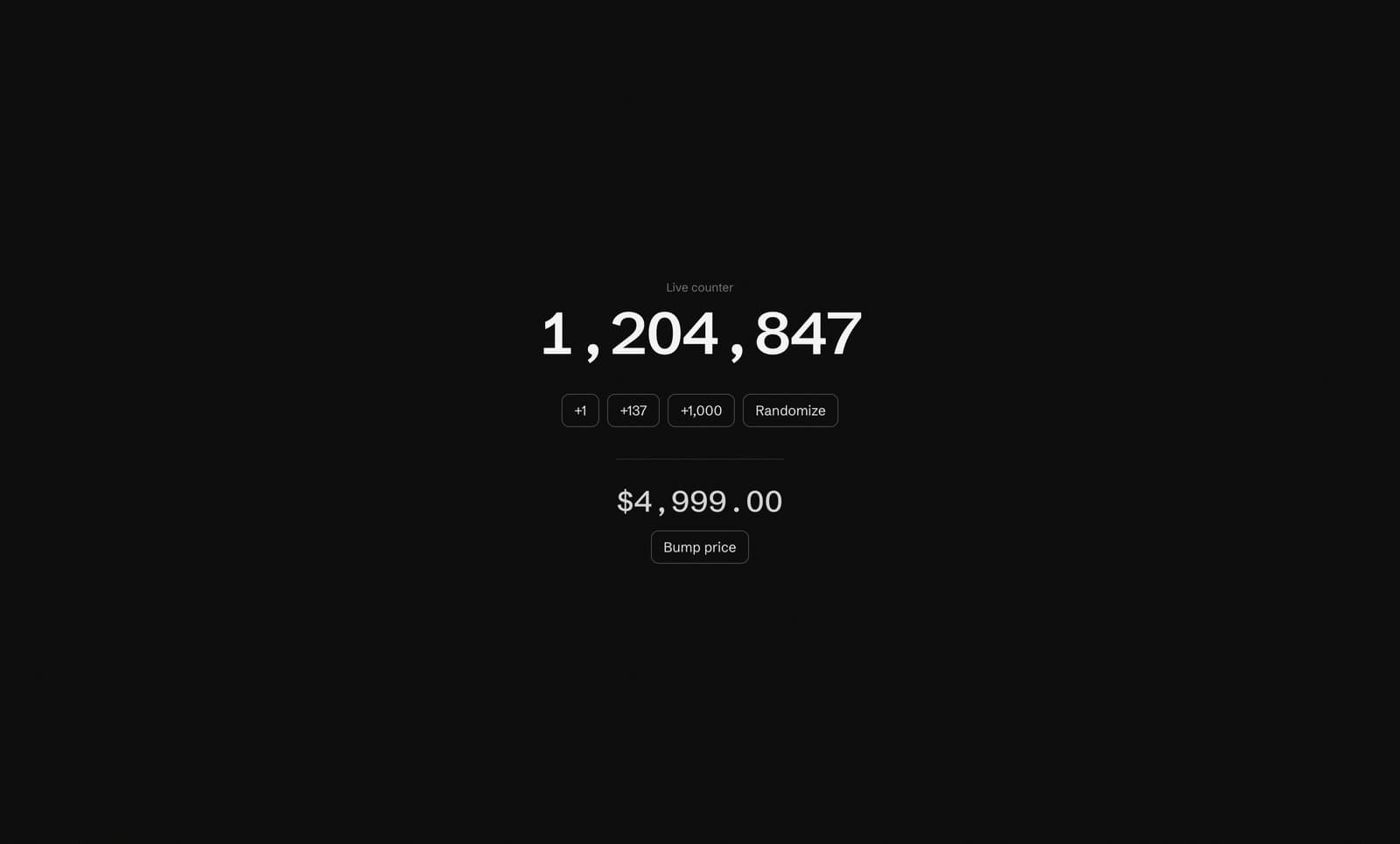
Animated Stat Numbers
Not a full section — a small, reusable component that makes numbers feel alive. When a number changes, only the digits that change slide and blur into place, exactly like iOS animations. “1,199” ticking to “1,200” animates just the last digits.
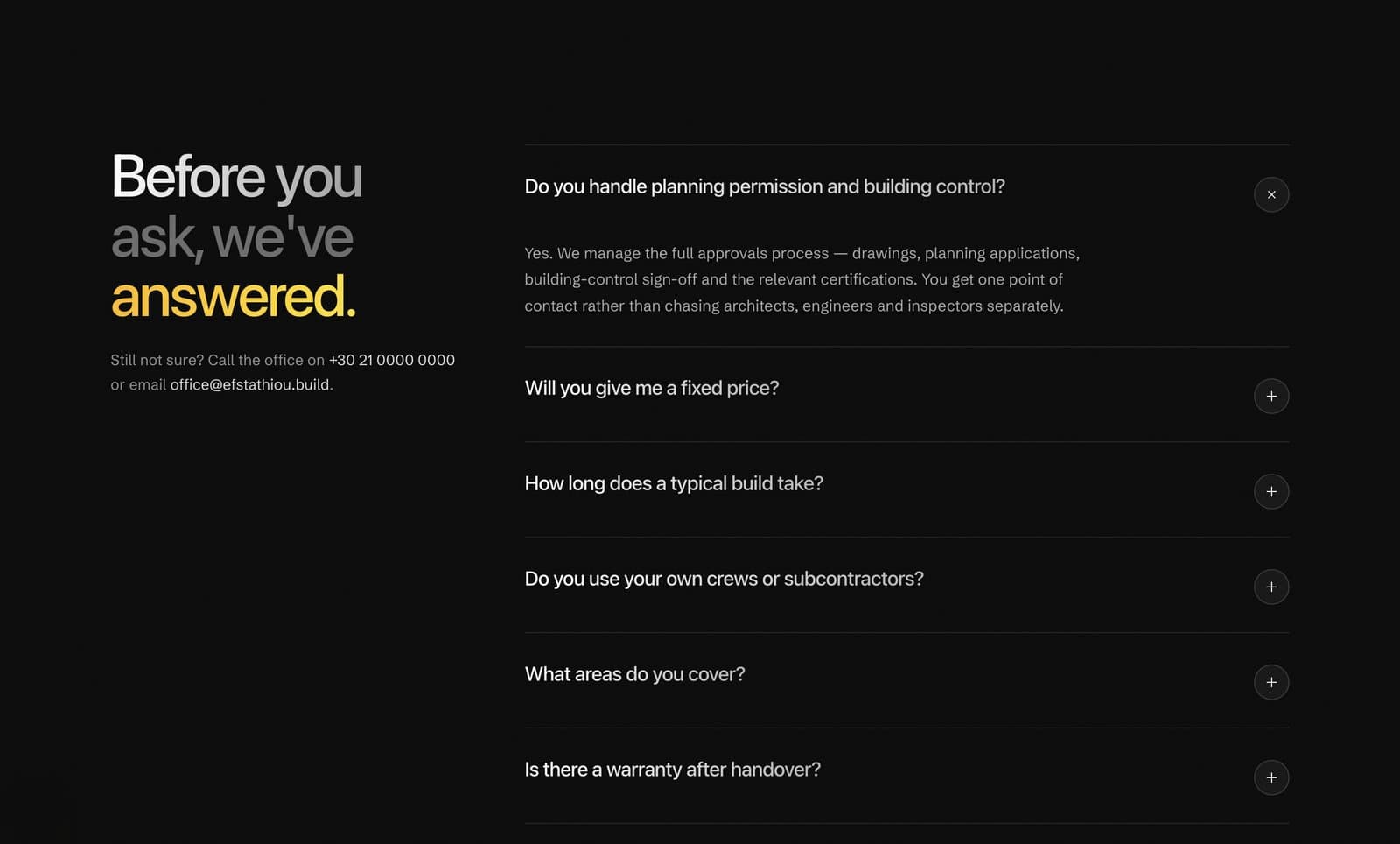
4.1 · FAQ & Contact
FAQ Accordion
A clean, animated frequently-asked-questions list — click a question, the answer smoothly expands, the others close.
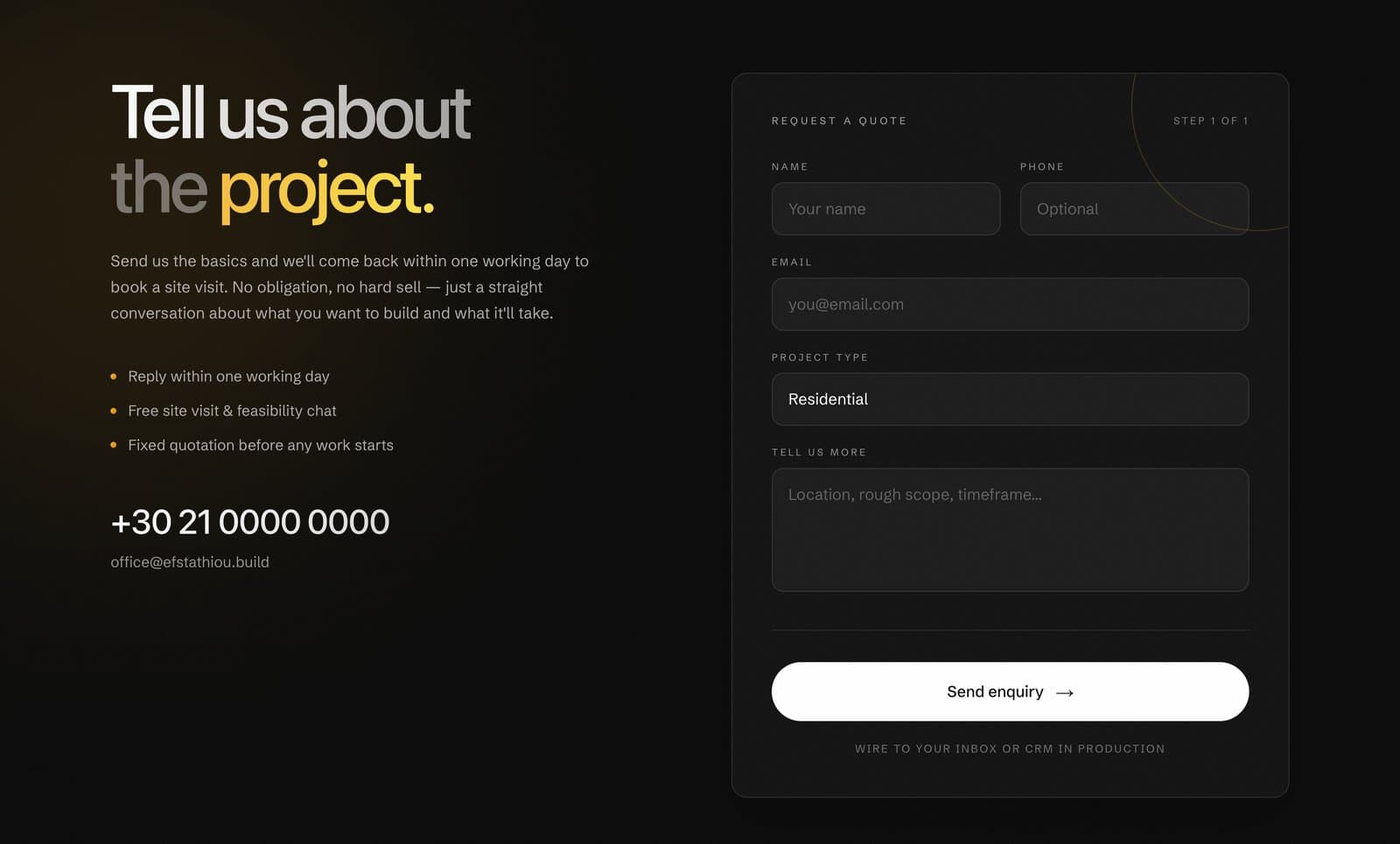
4.2 · FAQ & Contact
Contact Section + Footer
The closer: a split layout with your pitch and contact details on the left, a frosted-glass enquiry form on the right (name, phone, email, project type, message), a satisfying animated success state after sending — and a complete site footer built in.